
If you’ve been hearing about eSIMs and wondering whether they actually work—and if they’re reliable enough to replace your physical SIM card—you’re not alone. The short answer is yes, eSIMs work, and they work well. In fact, millions of people use eSIMs every day for their primary phone service, for travel, and for dual SIM setups. But like any technology, their effectiveness depends on factors like device compatibility, carrier support, and how you plan to use them. This guide explains how eSIMs work, where they work, and what to expect when using one.
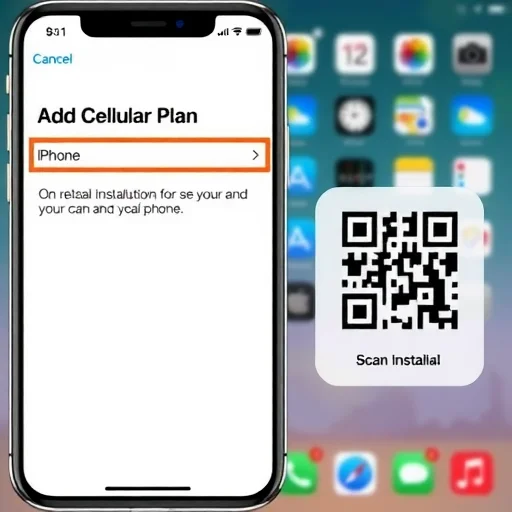
First, let’s clarify what an eSIM is. An eSIM (embedded SIM) is a digital SIM card built into your phone’s hardware. Instead of inserting a physical plastic card, you download a carrier profile onto your phone, usually by scanning a QR code or using a carrier’s app. That profile contains your phone number, network authentication details, and data plan—just like a physical SIM. Once installed, the eSIM functions exactly like a physical SIM: it connects your phone to a mobile network for calls, texts, and data.
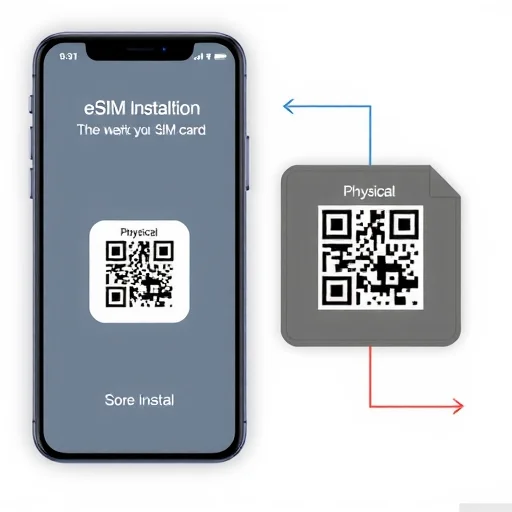
So, do eSIMs work reliably? Yes. eSIM technology is mature and widely used. Here’s how it works in practice:
**1. eSIMs Work Just Like Physical SIMs**
Once an eSIM is installed, there’s no difference in day‑to‑day use. You make calls, send texts, and use data exactly as you would with a physical SIM. The network doesn’t know or care whether you’re using a physical SIM or an eSIM—it sees the same subscriber information. Signal strength, call quality, and data speeds are determined by the network, not by the type of SIM.
**2. eSIMs Work in Most Modern Smartphones**
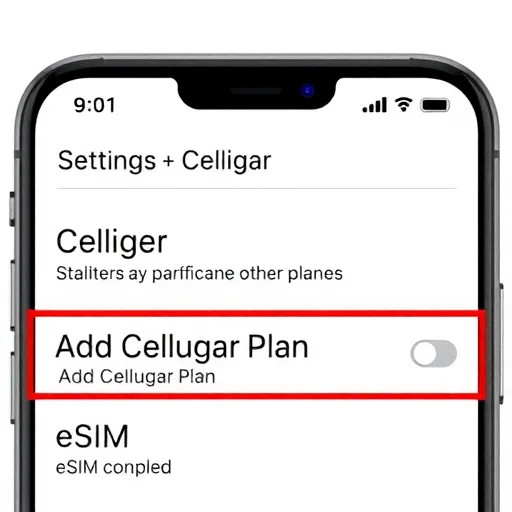
eSIM support is now standard in most flagship and many mid‑range phones. iPhones from the XS/XR onward support eSIM, and US models from the iPhone 14 onward are eSIM‑only (no physical SIM slot). Google Pixels from the Pixel 3 onward support eSIM. Samsung Galaxy S20 and newer, Z Fold and Z Flip series, and many Motorola, Sony, and OnePlus models also support eSIM. If your phone was made in the last few years, it likely supports eSIM. You can check in your settings—look for “Add Cellular Plan” (iPhone) or “Add eSIM” (Android).
**3. eSIMs Work with Many Carriers**
Major carriers in the US, Europe, Asia, and elsewhere support eSIM. In the US, T‑Mobile, AT&T, and Verizon all offer eSIM for both prepaid and postpaid plans. In Europe, carriers like Orange, Vodafone, and Deutsche Telekom support eSIM. In Japan, NTT Docomo and IIJmio offer eSIMs. Additionally, global eSIM providers like Airalo, Nomad, Holafly, and Ubigi offer eSIM plans for travelers in hundreds of countries. However, not every carrier in every country supports eSIM, especially smaller local carriers. Before relying on eSIM, it’s worth checking if your intended carrier offers eSIM service.
**4. eSIMs Work for Travel**
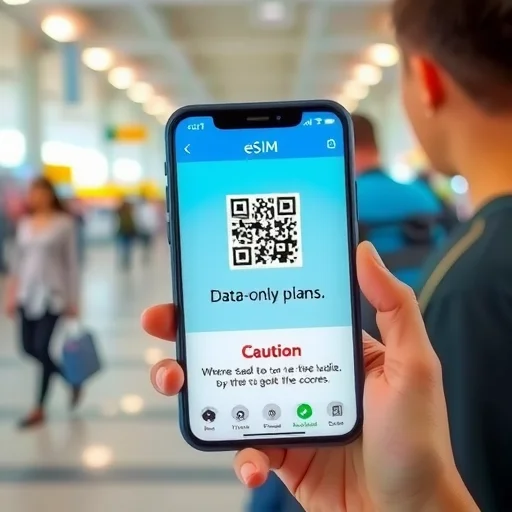
This is where eSIMs truly shine. Travel eSIMs allow you to buy a data plan for a destination before you leave home, install it via QR code, and have data the moment you land. You can keep your home SIM active for calls and texts (with roaming off) while using the travel eSIM for data. Travel eSIMs are available for most countries and regions. They work by partnering with local networks—for example, a Japan travel eSIM might use NTT Docomo’s network, giving you the same coverage as a local physical SIM.
**5. eSIMs Work with Dual SIM**
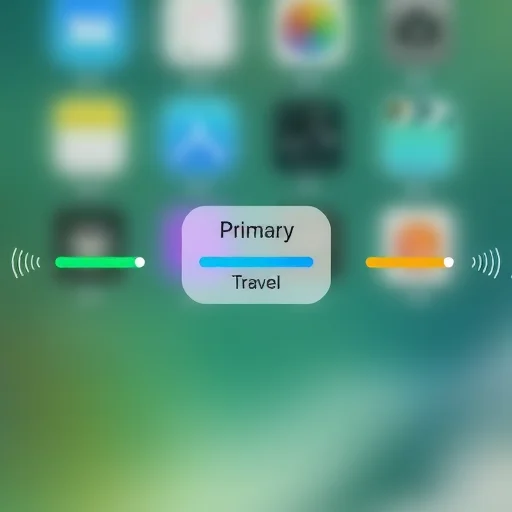
Most eSIM‑capable phones support dual SIM: you can have a physical SIM and an eSIM active simultaneously, or two eSIMs on newer models. This is incredibly useful. For example, you can keep your home physical SIM for calls and texts, and use a travel eSIM for data—both active at the same time. You can designate which line is used for data, which for voice, and which for SMS. Dual SIM eSIM setups are reliable and widely used.
**6. eSIMs Work with Both Prepaid and Postpaid Plans**
You can use an eSIM for prepaid plans (like travel eSIMs or prepaid carrier plans) and for postpaid plans (like your regular monthly service). Many carriers now offer eSIM activation for new lines and allow you to convert an existing physical SIM to an eSIM through their app or customer service.
**7. eSIMs Work on Wi‑Fi Only Phones? No**
eSIMs require cellular hardware. If your phone is Wi‑Fi only (like an iPad without cellular), an eSIM won’t work. But if your phone has cellular capability, eSIM is an option.
**Potential Limitations**
While eSIMs work well in most scenarios, there are a few limitations to be aware of:
**Not all carriers support eSIM.** In some countries, especially smaller or less developed markets, local carriers may not offer eSIM at all. Travelers may need to rely on global eSIM providers or physical SIMs.
**Some phones have limited eSIM support.** Even if a phone supports eSIM, some carrier‑locked models may have eSIM disabled. Always check with your carrier if you’re unsure.
**eSIM transfer between phones is not as seamless as physical SIMs.** Moving a physical SIM to a new phone is as simple as swapping the card. Moving an eSIM often requires deactivating it on the old phone and downloading it again on the new one—sometimes requiring a QR code or carrier intervention. This is improving, but it’s not yet as simple as physical SIM transfer.
**Travel eSIMs are typically data‑only.** Most global travel eSIMs do not provide a local phone number for traditional calls or SMS. If you need a local number for verification or calls, you may need a local carrier eSIM or physical SIM.
**Real‑World Examples**
I’ve used eSIMs extensively. For a trip to Japan, I bought a Ubigi eSIM (data‑only) that used NTT Docomo’s network. I installed it before I left, and it worked flawlessly throughout Tokyo and Kyoto. I kept my home physical SIM for calls (with roaming off) and used the eSIM for maps, messaging, and social media.
A friend of mine uses a dual SIM setup with her Samsung S23: a physical SIM for her personal number and an eSIM for work. Both lines are active, and she can switch between them easily. She’s been using this setup for over a year without any issues.
Another friend, who travels constantly, uses a global eSIM from Airalo as her primary data line. She installs it once and tops up as needed. She says it’s far more convenient than buying local physical SIMs in each country.
**Troubleshooting**
If an eSIM isn’t working, common issues include:
**Not installed correctly:** Ensure the QR code was scanned properly and the profile was downloaded.
**No network signal:** Some eSIMs activate only when you arrive at the destination. If you’re at home, it may show “No Service” until you travel.
**APN settings:** Some eSIMs require manual APN configuration. The provider usually provides instructions.
**Carrier lock:** If your phone is locked to a carrier, eSIMs from other carriers may not work.
In conclusion, eSIMs work—and they work well. They are reliable, secure, and widely supported. Whether you’re using one for your primary phone service, adding a second line, or traveling internationally, eSIMs offer convenience and flexibility. As with any technology, success depends on having a compatible device, a supporting carrier, and following the correct installation steps. For most users, eSIMs are a seamless and effective way to stay connected. Yes, eSIMs work reliably. They function identically to physical SIM cards for calls, texts, and data. They are supported by most modern smartphones and major carriers worldwide. Travel eSIMs provide convenient data connectivity in hundreds of countries. Dual SIM (physical+eSIM or two eSIMs) is widely supported. Success requires a compatible, unlocked device and a carrier that offers eSIM service.
ESIMGuideFINISHED
I’ve been using an eSIM on my Pixel 8 for over a year. Works perfectly. Call quality, data speeds—no difference from a physical SIM. And I love that I don’t have to deal with a SIM tray.
Important tip: Make sure your phone is unlocked before buying an eSIM. I tried to install a travel eSIM on a locked phone and it didn’t work. Unlocked it with my carrier and then it was fine.
Travel eSIMs are a lifesaver. I used one in Italy and had data the moment I landed. Kept my home SIM for calls. So much easier than hunting for a local SIM at the airport.
eSIM transfer between phones is the only downside. When I upgraded my iPhone, moving the eSIM took a call to my carrier. Not as easy as swapping a physical card. But once it’s set up, it’s great.
Dual SIM with eSIM is fantastic. I have my work number on eSIM and personal on physical SIM. Both active at the same time. No need to carry two phones.