
Traveling to India with an unlocked phone means deciding how to get mobile data. An eSIM, or embedded SIM, removes the need to hunt for a physical SIM card at an airport kiosk. For most visitors, buying an eSIM before departure is the fastest way to stay connected, but the choice of plan and the setup process determine whether you pay a fair price or a heavy premium. The core conclusion: activate an eSIM from a provider that uses Indian network partners, verify your phone supports eSIM before you fly, and install the profile while still on Wi-Fi at home.
An eSIM is a digital SIM built into your device’s hardware. Unlike a plastic SIM, it can store multiple carrier profiles, and you switch between them through your phone settings. For India travel, this means you can keep your home number active for banking apps and calls while a second profile handles Indian data. Devices can hold upwards of twenty eSIM plans at once, though only one or two remain active at any time. This flexibility is what makes eSIM particularly useful for a country like India, where local prepaid SIMs require paperwork, a passport photo, and a waiting period for activation.
What to Verify Before Buying an eSIM for India Travel
Before purchasing anything, confirm that your phone supports eSIM. Apple iPhones from the XS, XR, or newer models include eSIM support, and most recent Android flagships from major manufacturers do as well. If you bought your phone from a carrier that locks it to their network, you may need to request an unlock before an international eSIM will work. Check this while you still have time to sort it out, not at the airport gate.
Next, confirm that your phone is unlocked for international carriers. A carrier-locked device will reject any eSIM profile that does not belong to the original carrier. The unlock request can take a few days to process, so start this step at least a week before departure. Finally, check which eSIM providers offer India coverage on the networks you actually want. India has several major telecom operators, and coverage varies by region. A provider that relies on a single network partner may leave you with weak signal in rural areas or while traveling between cities. Look for a provider that explicitly lists its Indian network partners and choose one with multiple options.
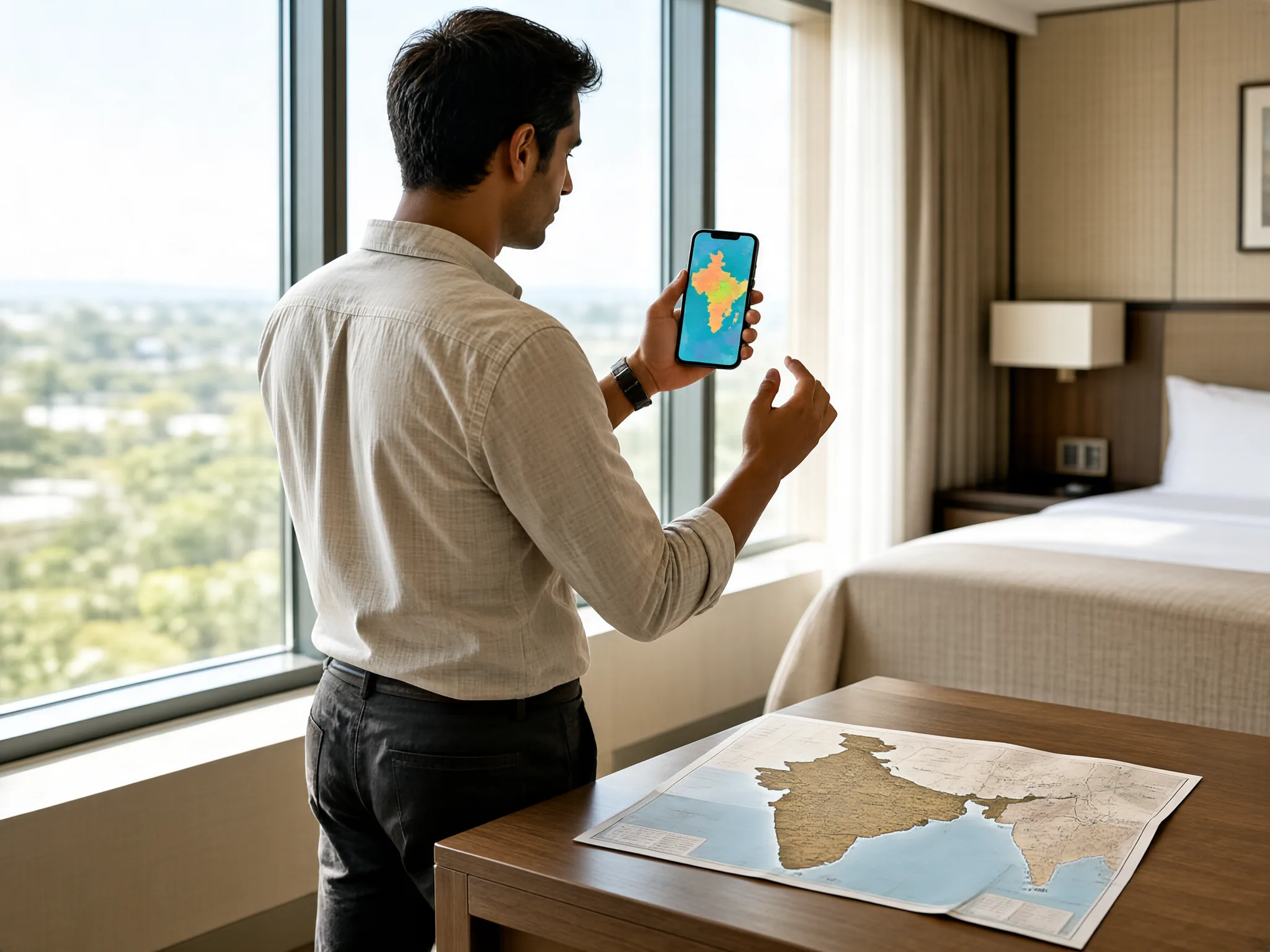
How to Install and Activate Your India eSIM
The installation process begins at home, not in India. Buy the eSIM plan while connected to Wi-Fi, then scan the QR code or enter the activation code that the provider emails to you. On an iPhone, go to Settings, then Cellular, then Add Cellular Plan. On Android, the path is usually Settings, then Network and Internet, then Mobile Network, then Add Carrier. The profile downloads to your device, but do not switch the line on yet.
Activation timing matters more than most travelers expect. Some eSIM plans start the validity clock the moment the profile is installed, not when you land. If you install the profile three days before your flight, you may lose three days of coverage. Read the provider’s terms carefully: some plans activate on first connection to the Indian network, while others activate immediately upon installation. Choose a plan that starts on first use, or install the profile the night before departure.
Once you land in India, enable the eSIM line in your phone settings. Turn off your home carrier’s roaming data to avoid accidental charges. Set the eSIM as the default line for cellular data while keeping your home line active for voice and SMS if you need it. After the first connection, run a quick speed test or load a webpage to confirm the data path works. If it fails, restart the phone and manually select an Indian network in the carrier settings.
The most common failure is a missing APN setting. Some eSIM providers require you to manually add an Access Point Name before data works. The provider’s confirmation email usually includes these details, but travelers often skip them. If your eSIM shows a signal but no data, go to your phone’s cellular settings, find the eSIM line, and check the APN field. Enter the values from the provider’s instructions and save. This fixes the issue in most cases.
Another frequent problem is dual-SIM conflict. If both your home SIM and the India eSIM are active, the phone may route data through the wrong line or refuse data entirely. Set the eSIM as the data line explicitly, and disable data on the home line. On some phones, you also need to enable “Allow Data Switching” or “Cellular Data Switching” so the device can fall back to the other line if one loses signal. Do not assume the phone will pick the correct network automatically.

Battery drain is a side effect of eSIM use in India, especially in areas with weak signal. The phone constantly searches for a better tower, which eats battery quickly. Carry a power bank and consider switching to 2G or 3G only in areas where coverage is thin, since lower bands travel farther. If you plan to use the eSIM for two weeks or more, buy a plan with more data than you think you need. Indian video streaming and map navigation consume data faster than most travelers expect.
Is a Physical SIM Card a Better Choice Than an eSIM for India Travel
For long stays, a physical Indian SIM card remains the cheapest option. Local prepaid plans offer far more data for the same price as most eSIM plans. However, getting a physical SIM requires your passport, a passport-sized photo, and a local address for registration. Some vendors accept hotel addresses, but activation can take up to 24 hours. If you arrive late at night or leave the airport immediately for a train, the wait becomes a real problem.
For stays shorter than two weeks, an eSIM is the practical winner. The cost difference is small enough that the convenience of instant activation outweighs the savings. You also avoid the risk of losing or damaging the tiny physical SIM while swapping it in a crowded taxi. If you keep your home number active for two-factor authentication, the eSIM approach lets you maintain both numbers without carrying a second phone.
The final step is knowing what to do when you leave India. Turn off the eSIM line or delete the profile from your phone settings. If you plan to return within the validity period, keep the profile installed and simply toggle the line off. If not, delete it to free up space for future eSIM profiles. Your device stores the plan until you remove it, so leaving it active means the next time you enter India, data may connect automatically and start consuming the remaining balance.
Bitcoin has moved sharply lately, so the upside and the risk need to be measured together.
Checking network fees and platform rules before a transfer is especially important for beginners.
The article explains wallet security, exchange selection, and risk control in a practical way.
After experiencing exchange risk controls, I now use 2FA and avoid keeping all funds in one place.