
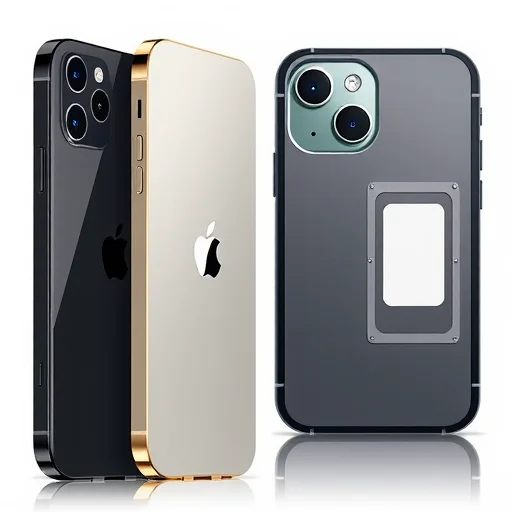
If you’re buying an iPhone in the United States or traveling to the US with an iPhone, you might be wondering: does it have a physical SIM card slot? The answer depends entirely on which iPhone model you have and where it was purchased. Starting with the iPhone 14 series, Apple made a significant change for US models: they are eSIM‑only, meaning they have no physical SIM card tray at all. Older models, and iPhones sold outside the US, still include a physical SIM slot. This guide explains everything you need to know about SIM cards in American iPhones, including which models have physical SIMs, which are eSIM‑only, and what that means for travelers and users.
First, let’s clarify the two types of SIM technology. A **physical SIM card** is the small removable plastic card you insert into your phone. An **eSIM** (embedded SIM) is a digital SIM profile built into the phone’s hardware—you download a carrier profile instead of inserting a card. Both serve the same purpose: they connect your phone to a mobile network, storing your phone number and network authentication details.
**Which American iPhones Have Physical SIM Cards?**
For iPhones sold in the United States:
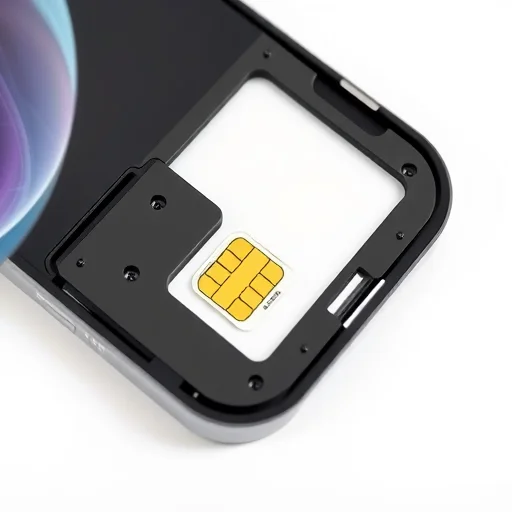
**iPhone 13 series and older** (including iPhone 13, 13 Pro, 13 Pro Max, 12 series, 11 series, XS, XR, etc.) all have a physical nano SIM card tray. They also support eSIM, meaning you can use either a physical SIM, an eSIM, or both (dual SIM with one physical and one eSIM).
**iPhone SE (3rd generation)** and earlier SE models sold in the US also have a physical SIM tray.
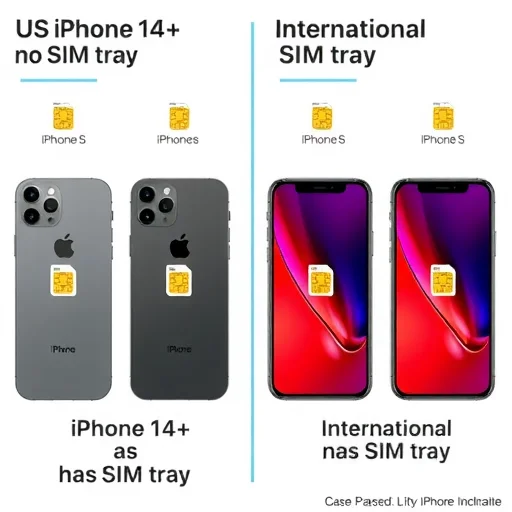
**iPhone 14 series, iPhone 15 series, and iPhone 16 series** sold in the United States are **eSIM‑only**. They do not have a physical SIM card tray. These models rely entirely on eSIM for cellular connectivity. They support multiple eSIMs and can have two active eSIMs at the same time.
It’s important to note that this change applies only to iPhones sold in the US. iPhones sold in Canada, Europe, Asia, and other regions for the same models (iPhone 14 and later) still include a physical SIM tray alongside eSIM support.
**Why Did Apple Remove the SIM Tray in US iPhones?**
Apple’s move to eSIM‑only in the US was driven by several factors. eSIM technology offers greater convenience—you can activate a cellular plan without visiting a store or waiting for a physical card to arrive. It also allows for more internal space inside the phone, which can be used for other components (like larger batteries). Additionally, eSIMs are more secure—they can’t be physically removed from a lost or stolen phone. Apple has been pushing eSIM adoption for years, and the US market was the first to go fully eSIM‑only.
**What Does This Mean for Users?**
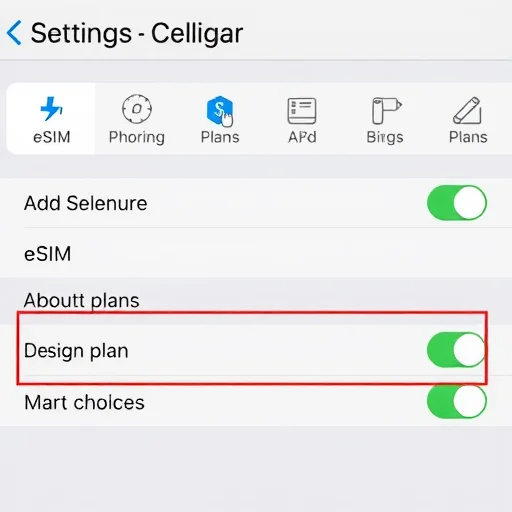
If you own a US iPhone 14, 15, or 16, you cannot use a physical SIM card. All your cellular plans must be eSIMs. You can add eSIMs from carriers by scanning a QR code, using a carrier app, or via eSIM transfer from your old phone. If you’re traveling internationally, you’ll need to use an eSIM for local data—or rely on international roaming from your home carrier. Many global eSIM providers (like Airalo, Nomad, Holafly) offer eSIM plans that work seamlessly with these iPhones.
For users with older US iPhones (iPhone 13 and earlier), you have both options. You can use a physical SIM, an eSIM, or both simultaneously. This flexibility is especially useful for travelers: you can keep your home physical SIM for calls and use a travel eSIM for data.
**How to Check if Your iPhone Has a Physical SIM Tray**
If you’re unsure whether your iPhone has a physical SIM slot, here’s how to check:
Look at the side of your iPhone. If you see a small tray (usually on the left side, near the volume buttons) with a tiny hole, that’s the SIM tray. If there’s no tray, your iPhone is eSIM‑only.
Check your iPhone model: Go to Settings > General > About. Look for “Model Name.” If it’s iPhone 14, 15, or 16 and purchased in the US, it has no physical SIM slot.
If you have an iPhone 13 or earlier (including SE models), it has a physical SIM slot.
**What About iPhone Models Sold Outside the US?**
For iPhones sold outside the United States, even the iPhone 14, 15, and 16 models retain a physical SIM tray. So if you buy an iPhone in Canada, the UK, Australia, or most other countries, you’ll have both a physical SIM slot and eSIM support. This is important for travelers who prefer the flexibility of physical SIMs or who travel to countries where eSIM support is limited.
**Can I Use a Physical SIM Card in a US iPhone 14 or Later?**
No. The US models of iPhone 14, 15, and 16 have no SIM tray. You cannot insert a physical SIM card. You must use eSIM for all cellular service.
**What About iPhone 13 and Earlier?**
Yes, all US iPhone 13 models and older have a physical nano SIM tray. You can use a physical SIM card, an eSIM, or both.
**Traveling with a US iPhone 14 or Later**
If you have a US iPhone 14, 15, or 16 and you’re traveling internationally, you have several options for staying connected:
Use your home carrier’s international roaming plan. This is often the most expensive option.
Purchase a travel eSIM from a global provider like Airalo, Nomad, or Holafly. You can buy the eSIM online before you travel, install it via QR code, and have data when you land.
If you need a local phone number, check if local carriers in your destination offer prepaid eSIMs. Many do—for example, in Japan, you can buy an eSIM from IIJmio; in Europe, Orange offers eSIMs.
Since your phone has no physical SIM slot, you cannot buy a physical local SIM card. You’ll need to rely on eSIMs or roaming.
**Transferring Service to a New eSIM‑Only iPhone**
If you’re upgrading from an older iPhone to a new US iPhone 14 or later, you can transfer your cellular plan to the new phone without a physical SIM. During setup, your new iPhone will prompt you to transfer your existing plan. If you have a physical SIM in your old phone, you can convert it to an eSIM during the transfer process. Most carriers support this. Alternatively, you can contact your carrier to issue an eSIM QR code for your new phone.
**Dual SIM on eSIM‑Only iPhones**
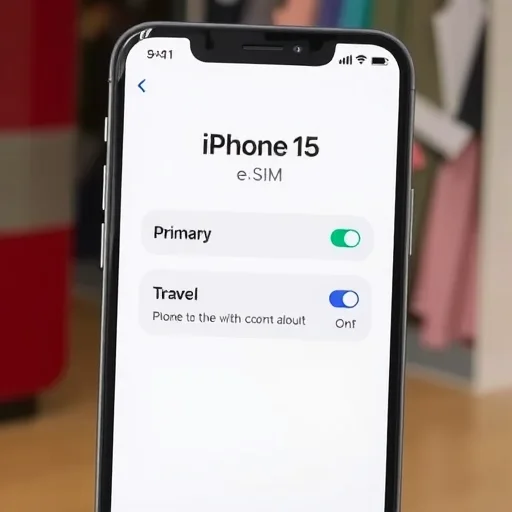
US iPhone 14, 15, and 16 models support dual eSIM. You can have two active eSIMs at the same time. This is perfect for travelers: you can have your home eSIM for calls and texts, and a travel eSIM for data—both active simultaneously. You can also store multiple eSIM profiles and switch between them as needed.
**What About iPhone 17 and Future Models?**
It’s likely that Apple will continue the eSIM‑only trend for US models. Other regions may eventually follow, but for now, the US is the only market where iPhones lack a physical SIM tray.
In summary, American iPhones do have SIM technology, but the form has changed. iPhone 13 and earlier have physical SIM trays; iPhone 14, 15, and 16 sold in the US are eSIM‑only. If you need a physical SIM slot—for travel, for swapping cards, or for compatibility—consider an iPhone 13 or earlier, or purchase an iPhone 14 or later from outside the US. Understanding these differences ensures you choose the right iPhone for your needs. American iPhones: iPhone 13 and older have a physical nano SIM tray plus eSIM support. iPhone 14, 15, and 16 sold in the US are eSIM‑only (no physical SIM tray). International versions of these models retain a physical SIM slot. eSIM‑only iPhones support dual eSIM for two active lines.
eSIMiPhoneUSAFINISHED
I upgraded from an iPhone 12 to a US iPhone 15 and was surprised there was no SIM tray. The eSIM transfer was actually seamless—my carrier app let me activate the eSIM in minutes. Now I don’t miss the physical card at all.
I bought an iPhone 15 in Canada specifically because it has a physical SIM slot. I travel a lot and like being able to buy a local physical SIM. Glad Apple still offers that outside the US.
Important tip for travelers: If you have a US iPhone 14 or later, make sure your destination has eSIM options before you go. I went to a country where local carriers didn’t offer eSIM and had to rely on expensive roaming. Do your research!
If you’re switching to an eSIM‑only iPhone, check that your carrier supports eSIM transfer. Most major US carriers do, but some smaller MVNOs might not. I had to contact support, but they got me set up.
The dual eSIM feature on my US iPhone 14 is great. I have my home line on eSIM and use a travel eSIM for data when I’m abroad. Both active at the same time, no swapping needed.