
eSIM Travel Tips
From pre-trip preparation to getting online the moment you land, this guide collects the most practical eSIM habits for international travel: arranging data in advance, keeping your primary number reachable, and avoiding surprise roaming charges.
Practical eSIM advice for your next trip
Check device and carrier requirements before you leave
Not every phone supports eSIM. A few days before departure, confirm two things: your model is on the supported list (most iPhones from the XS/XR onward and recent flagship Android phones are), and your phone is not locked to a carrier contract. If it is carrier-locked, ask your carrier to unlock it first — otherwise the travel eSIM will install but never connect.
Install at home, activate on arrival
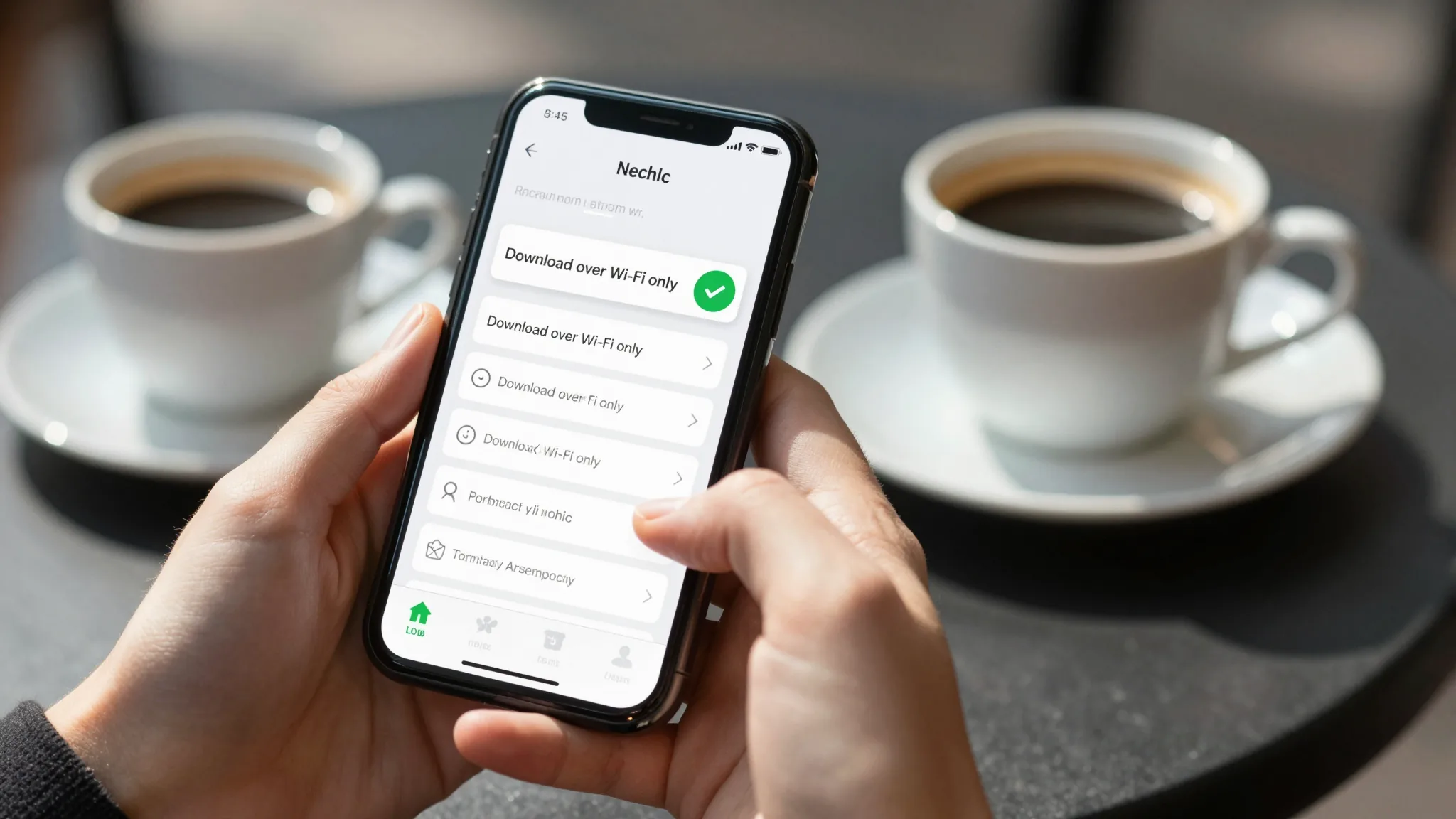
Installing an eSIM only needs a QR code or activation code — and a network connection. The safest routine is to add the plan while you are still on home Wi-Fi, then switch the data line to the eSIM once you land. Some providers start the validity clock at installation rather than activation, so read the plan terms and avoid losing paid days before you even fly.
Choose the plan by itinerary, not by data cap
Three things decide the right plan: destination coverage (single-country versus regional), trip length, and your real usage. Maps, lookups and messaging rarely exceed 1-2GB per day; raise the allowance only for video or hotspot use. For multi-country trips a regional plan removes the chore of reinstalling a new profile at every border.
Keep your primary number, let the eSIM handle data
The biggest travel risk is losing access to verification codes. Set the eSIM as your default data line while the primary SIM stays idle for calls and SMS, so banking and messaging apps keep working. After installing, review the default voice number and default data line settings before you fly.
Three quick steps after landing
When the plane lands: turn on the eSIM data line, enable data roaming as your provider instructs, and send one message or load a map to confirm the connection. To stretch the data further, download offline maps in advance, turn off background app refresh, and move photo backups to hotel Wi-Fi — these habits routinely cut daily usage in half.

How Much Data Do You Need in Indonesia: A Practical Guide to Choosing the Right Plan
How much data do you n...
Read Article >Pick a data pack for your destination before you fly
International eSIM plans covering 200+ countries and regions, bought online by destination and trip length — no physical SIM, activation in minutes.
All Blog Posts
We keep publishing destination guides, plan comparisons and eSIM how-tos — here are the latest articles.

Check Your eSIM Setup Before Landing: A Practical Plan for Switzerland Connectivity
Choose the best eSIM...
Read More >

Six Connectivity Checks That Keep Business Travelers Online With Digital SIMs
eSIM for business tr...
Read More >
Beyond the Hype: Real eSIM Coverage in this region for Travelers
Discover where eSIM ...
Read More >
Prepaid eSIM Connection Fixes: A Traveler’s Checklist to Avoid Disruptions Abroad
Prepaid eSIM connect...
Read More >
Practical eSIM Setup for Travelers: Avoiding Common Activation Errors
This practical guide...
Read More >