
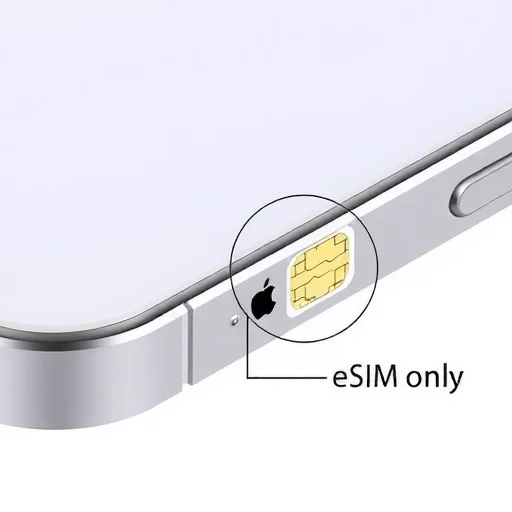
If you’ve just picked up an iPhone 15 Plus or you’re considering one for an upcoming trip, you might have noticed something different: in the US model, there’s no physical SIM card tray at all. This has caused a lot of confusion and even anxiety for travelers who are used to popping in a local SIM when they land in a new country. The short answer is that the iPhone 15 Plus is fully eSIM-only in the US, and while that sounds like a big change, it actually opens up some incredibly convenient options for travel connectivity—once you understand how it works. In this guide, I’ll walk you through exactly how eSIM works on the iPhone 15 Plus, how to set it up for travel, and how to make the most of having an eSIM-only device.
First, let’s address the elephant in the room. If you bought your iPhone 15 Plus in the United States, it does not have a physical SIM card slot. Models sold in other countries may still have a physical SIM tray alongside eSIM support, but the US version is eSIM-only. This means you cannot buy a physical SIM card and insert it into your phone. Instead, you’ll use one or more eSIMs—digital SIM profiles that you download onto your device. For someone who has never used an eSIM before, this can feel like a limitation. In practice, it’s actually a shift toward a more flexible way of managing mobile connectivity, especially for travelers.
So how do you get service on an iPhone 15 Plus when you travel? You have several options, and the best one depends on your travel style. The first option is to use your home carrier’s international roaming. If your carrier offers affordable roaming plans—some now include international data in premium plans—you can simply use your regular plan abroad. The iPhone 15 Plus will connect to partner networks automatically, and you don’t need to do anything special. The downside is that roaming can be expensive if your plan doesn’t include it, and you may not get the fastest speeds or the best coverage compared to a local eSIM.
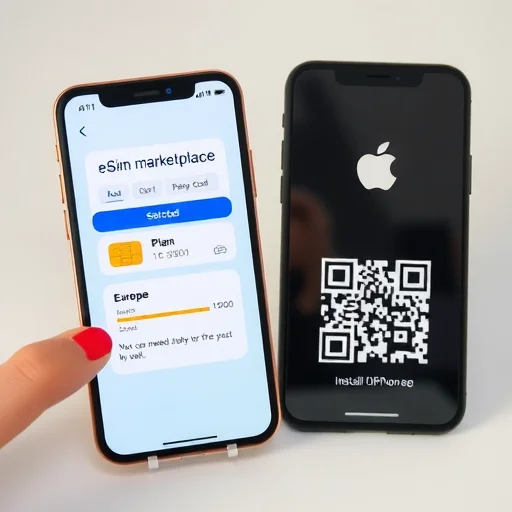
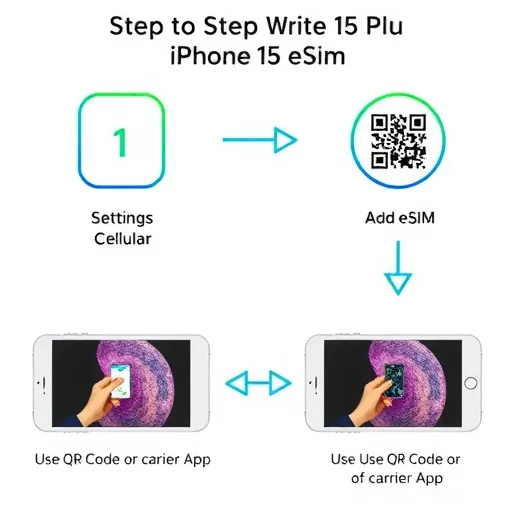
The second option is to purchase a travel eSIM from a global provider before you leave. This is where the eSIM-only iPhone 15 Plus really shines. Companies like Airalo, Holafly, Nomad, and others offer eSIM plans for virtually every country in the world. You download their app, choose a plan—say, 10GB for 30 days in Europe—pay with a credit card, and install the eSIM directly on your phone. The entire process takes about five minutes. When you land at your destination, you turn on the eSIM, and you have data immediately. No searching for a SIM card vendor at the airport, no standing in line, no carrying a paperclip to open a SIM tray that doesn’t exist.
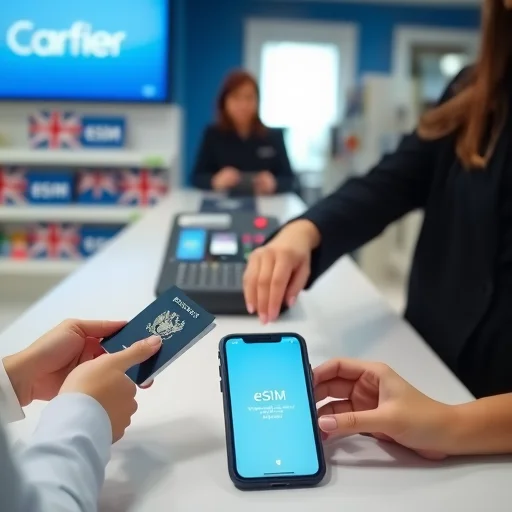
The third option is to purchase an eSIM directly from a local carrier in your destination country. Many carriers now support eSIM activation for visitors. For example, you can visit a Vodafone store in the UK, show your passport, and they’ll activate a prepaid eSIM on your iPhone 15 Plus with a local phone number. This gives you a real local number for calls and texts, which can be useful for local services, reservations, and two-factor authentication. The process takes a bit longer—you usually need to visit a store in person—but it gives you the full benefits of being a local customer.
One of the biggest advantages of the iPhone 15 Plus being eSIM-only is that it supports multiple eSIM profiles simultaneously. You can store eight or more eSIMs on the device, and you can have two active at the same time. This is incredibly powerful for travel. You can keep your home carrier’s eSIM active for calls and texts to your regular number, while using a travel eSIM for data. The phone handles this seamlessly: you can designate which line is used for cellular data, which is the default voice line, and which is used for iMessage and FaceTime. When you return home, you simply turn off the travel eSIM or delete it, and your phone is back to normal.
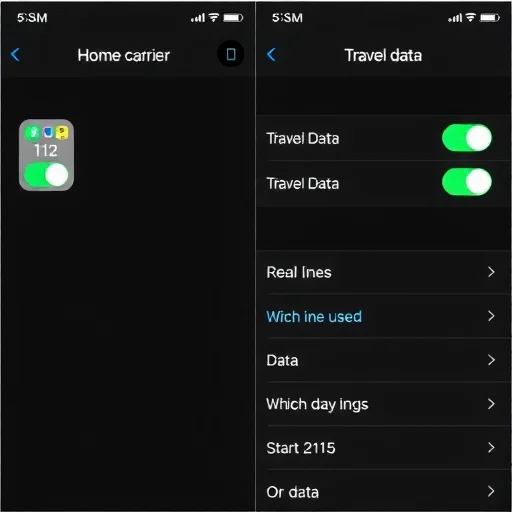
Let’s walk through a real example to show how this works. Maria owns a US iPhone 15 Plus. Her primary carrier is T-Mobile, and she has her T-Mobile plan on an eSIM. She’s traveling to France for two weeks. Before she leaves, she buys a 15GB Europe eSIM from a global provider for $30. She installs it on her phone, which takes about two minutes. In her cellular settings, she sets the travel eSIM as the data line, and keeps her T-Mobile eSIM as the voice line with roaming turned off. During her trip, she uses the travel eSIM for maps, apps, and all data needs. Her T-Mobile number remains active for calls and texts, but because she’s not using roaming, she pays nothing extra. When she returns to the US, she simply turns off the travel eSIM profile. She never swapped a physical card, never visited a store, and her total connectivity cost for the trip was $30.
What about travelers who need a local phone number? Let’s consider David, who is moving to the UK for a six-month work assignment. He buys a UK iPhone 15 Plus, which still has a physical SIM tray, but he prefers using eSIM for flexibility. He visits an EE store in London, shows his passport and visa, and they activate a prepaid eSIM on his phone with a UK phone number and a generous data plan. He keeps his home country eSIM (from his previous carrier) stored on the phone but inactive. Now he has a UK number for local banking, utilities, and communication, and he can easily reactivate his home eSIM when he visits family. The eSIM-only capability means he doesn’t have to carry two phones or swap physical cards.
One concern that comes up frequently is what happens if you need to factory reset your phone or if you lose it. With eSIMs, your profiles are tied to your device. If you lose your iPhone 15 Plus, you can log into your carrier’s app or website on a new device and download your eSIM profile again (some carriers charge a fee for reissuing eSIMs). If you have a physical SIM, losing it means you need a replacement card. In practice, eSIMs are more secure in that they can’t be physically removed from a stolen phone, and they can be remotely deactivated and transferred.
Another advantage specific to the iPhone 15 Plus is the battery life and thermal management. Because the device doesn’t have a physical SIM tray, there’s slightly more internal space for the battery and cooling system. For travelers who rely heavily on their phone for navigation, photos, and communication, the improved battery life is a tangible benefit. You’re less likely to find yourself searching for an outlet in the middle of the day.
Let’s address some common questions about eSIM on the iPhone 15 Plus. First, can you use Wi-Fi calling with eSIM? Yes, absolutely. If you have your home carrier eSIM active with Wi-Fi calling enabled, you can make and receive calls over Wi-Fi even when you’re abroad, with no roaming charges. This is a great way to stay connected to your regular number without paying for international voice roaming. Second, can you have multiple eSIMs from the same carrier? Generally yes, but some carriers limit you to one active eSIM per account. Check with your carrier if you need multiple lines. Third, what about compatibility with prepaid travel eSIMs? The iPhone 15 Plus works with virtually all eSIM providers. Just make sure to install the eSIM while you have a Wi-Fi connection—you can do this before you leave home.
One final consideration: if you’re buying an iPhone 15 Plus specifically for travel, make sure you get the unlocked version. Carrier-locked phones may restrict your ability to add eSIMs from other providers. If you buy directly from Apple, you can select the unlocked option. If you buy from a carrier, confirm that the phone is unlocked or will be unlocked after a certain period. For travelers who value flexibility, an unlocked eSIM-only iPhone 15 Plus is the ultimate tool for staying connected anywhere in the world.
The transition to eSIM-only might feel like a learning curve, but once you’ve used it for a trip, it’s hard to go back. The ability to buy and activate a local data plan from your phone in minutes, without hunting for a store or carrying a SIM ejector tool, changes the way you travel. The iPhone 15 Plus, with its eSIM-only design, is built for this new reality. Whether you’re a frequent traveler, a digital nomad, or someone who takes one big trip a year, understanding how to use eSIM on your device turns a potential limitation into a major advantage. The US iPhone 15 Plus is eSIM-only, meaning you cannot use physical SIM cards. For travel, this offers new flexibility: you can purchase and install data eSIMs from global providers before departure, keep your home eSIM active for calls (with roaming off), and manage multiple profiles seamlessly. The phone supports two active eSIMs simultaneously, making it ideal for maintaining your home number while using affordable local data abroad. Always buy unlocked for maximum flexibility.
The dual eSIM feature is a game-changer. I keep my US number active for calls and texts over Wi-Fi, and use a local eSIM for data. Total cost for a month in Europe was $35 instead of $200 in roaming fees. Never going back.
One thing to note: if you travel to countries where eSIM support is limited, do your research first. Some smaller carriers still don’t support eSIM for prepaid. But major carriers in most tourist destinations do now. Check before you go.
I was nervous about the eSIM-only thing when I got my 15 Plus, but after one trip I’m a convert. Bought a local data eSIM before I left, landed in Tokyo and had service immediately. No SIM card hunting, no store visits. It’s actually better than physical SIMs.
I accidentally deleted my eSIM once when resetting my phone and had to contact my carrier to get it reissued. Keep your eSIM activation QR code or confirmation email handy in case you need to reinstall. Learned that lesson the hard way.
If you’re buying a 15 Plus for travel, definitely get the unlocked version. My friend got a carrier-locked one and couldn’t add a travel eSIM. Major headache. Unlocked is the way to go.