
If you’re holding an iPhone 16 Pro or considering one for your next trip, you’ve probably noticed something that’s become standard on US models: no physical SIM card tray. This has been the case since the iPhone 14, but with the 16 Pro, eSIM functionality has only gotten more refined and capable. For travelers and frequent flyers, this shift from physical SIM to eSIM represents a major change in how you manage mobile connectivity. The good news is that once you understand how eSIM works on the iPhone 16 Pro, you’ll likely find it more convenient, more flexible, and often more affordable than the old way of swapping physical cards. In this guide, I’ll cover everything you need to know: how eSIM works on the 16 Pro, how to set it up for travel, the advantages of the new hardware, and answers to the most common questions travelers have.
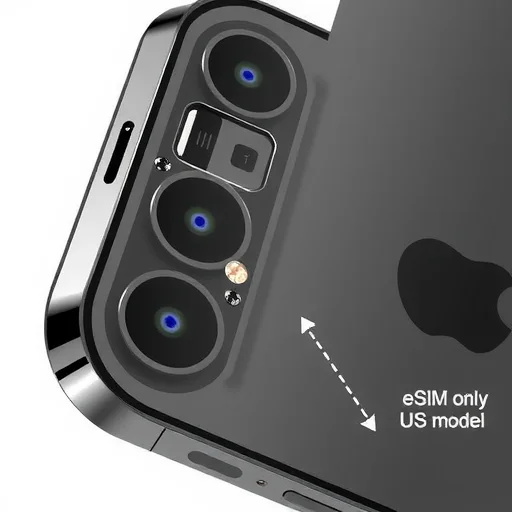
First, let’s get the basics out of the way. If you bought your iPhone 16 Pro in the United States, it is eSIM-only. There is no physical SIM card slot. Models sold in other countries may still include a physical SIM tray alongside eSIM support, but the US version relies entirely on digital eSIM profiles. This means you cannot walk into a mobile shop abroad and buy a physical SIM card to insert. Instead, you’ll use one or more eSIMs—digital profiles that you download onto your device. For someone who has never used eSIM before, this sounds like a limitation. In practice, it’s a shift toward a more seamless way of staying connected, especially when you travel across borders.
So how do you actually get service on an iPhone 16 Pro when you travel? You have three main options, each suited to different travel styles. The first is to use your home carrier’s international roaming. If your carrier offers affordable roaming—some premium plans now include international data at no extra cost—you can simply use your regular plan abroad. The 16 Pro will connect to partner networks automatically, and you don’t need to do anything special. The downside is that roaming can still be expensive if your plan doesn’t include it, and you may not get the fastest speeds compared to a local eSIM.
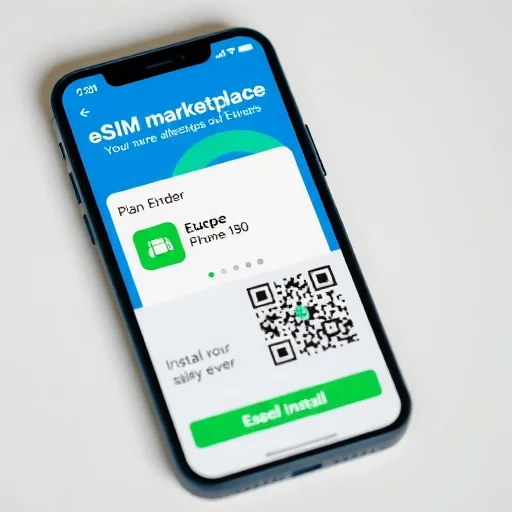
The second option, and the one most travelers will find most convenient, is to purchase a travel eSIM from a global provider before you leave. The iPhone 16 Pro works with all major eSIM providers like Airalo, Holafly, Nomad, Maya Mobile, and others. You download their app, choose a plan for your destination—for example, 20GB for 30 days in Europe—pay with a credit card, and install the eSIM directly on your phone. The entire process takes about five minutes. When you land, you turn on the eSIM, and you have data immediately. No airport kiosks, no language barriers, no hunting for a SIM vendor. The 16 Pro’s faster 5G modem and improved antenna design mean you’ll get the best possible speeds from the local networks these eSIMs connect to.
The third option is to purchase an eSIM directly from a local carrier in your destination country. More carriers than ever now support eSIM activation for visitors. For example, you can visit a Vodafone store in the UK, show your passport, and they’ll activate a prepaid eSIM on your iPhone 16 Pro with a local phone number. This gives you a real local number for calls and texts, which is essential for things like restaurant reservations, local services, and two-factor authentication. The process takes a bit longer—you usually need to visit a store in person—but it gives you the full benefits of being a local customer. The iPhone 16 Pro’s support for multiple eSIM profiles means you can keep this local carrier eSIM stored alongside your home eSIM and switch between them as needed.
One of the most powerful features of the iPhone 16 Pro for travelers is its support for multiple active eSIMs simultaneously. You can store eight or more eSIM profiles on the device, and you can have two active at the same time. This is where the 16 Pro really shines compared to older devices. You can keep your home carrier’s eSIM active for calls and texts to your regular number, while using a travel eSIM for data. The phone handles this seamlessly: in Settings > Cellular, you can designate which line is used for cellular data, which is the default voice line, and which is used for iMessage and FaceTime. When you return home, you simply turn off the travel eSIM or delete it, and your phone is back to normal. No physical cards to lose, no ejector tools required.
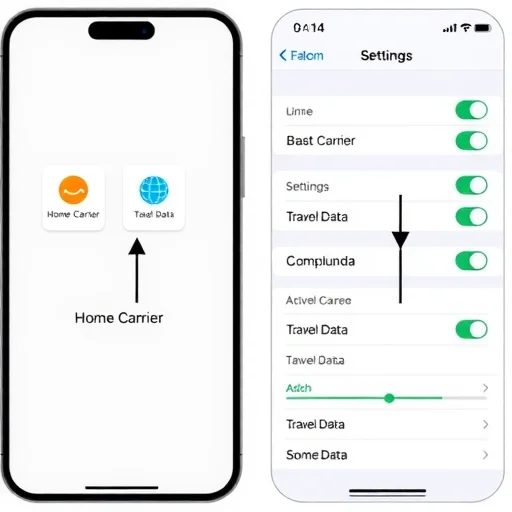
Let’s walk through a real-world example to show how this works in practice. Sophia owns a US iPhone 16 Pro. Her primary carrier is Verizon, and she has her Verizon plan on an eSIM. She’s traveling to Japan for three weeks. Before she leaves, she buys a 20GB Japan eSIM from a global provider for $35. She installs it on her phone in about two minutes. In her cellular settings, she sets the Japan eSIM as the data line, and keeps her Verizon eSIM as the voice line with roaming turned off. During her trip, she uses the Japan eSIM for all data—Google Maps, Instagram, messaging apps, and even occasional video calls. Her Verizon number remains active for calls and texts, but because she’s not using roaming, she pays nothing extra. When she returns to the US, she simply turns off the Japan eSIM profile. Total connectivity cost for the trip: $35. No SIM swapping, no store visits, no roaming fees.
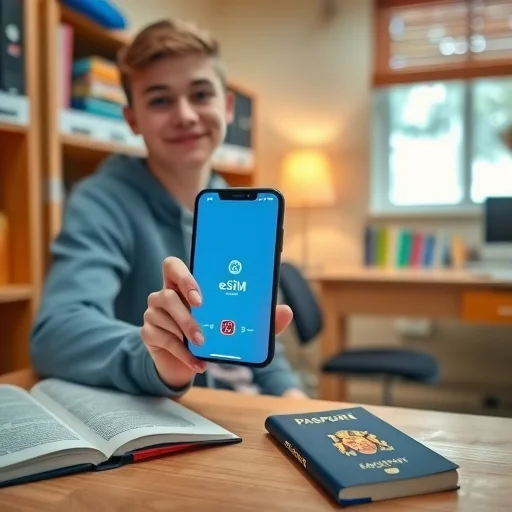
What about travelers who need a local phone number? Consider James, who is studying abroad in Spain for a semester. He buys a Spanish eSIM directly from a local carrier like Orange or Movistar. He visits a store in Madrid with his passport, and they activate a prepaid eSIM with a Spanish phone number and 50GB of data. He keeps his US home eSIM stored but inactive, and uses the Spanish eSIM as his primary line for the semester. When family calls his US number, it goes to voicemail, and he calls them back via WhatsApp. The flexibility of having both eSIMs on one device means he doesn’t need to carry two phones or swap physical cards. And because the iPhone 16 Pro supports Wi-Fi calling on the inactive eSIM, he can even receive calls to his US number over Wi-Fi without roaming charges.
One of the hardware advantages of the iPhone 16 Pro specifically is its improved 5G modem and antenna design. Apple has continued to refine the cellular hardware, and the 16 Pro offers better reception, faster speeds, and more efficient power management than previous models. For travelers, this means that when you’re using an eSIM in a foreign country, you’re more likely to maintain a strong signal even in crowded areas, buildings with thick walls, or slightly more remote locations. The phone intelligently switches between 5G and LTE to balance speed and battery life, and the improved efficiency means you’ll get through a full day of travel without hunting for a charger.
Another feature that travelers will appreciate is the iPhone 16 Pro’s support for Wi-Fi calling on eSIM. If you have your home carrier eSIM active and you’re connected to Wi-Fi, you can make and receive calls to your home number with no roaming charges. This is a massive benefit for keeping in touch with family, banks, and services that need to reach you on your regular number. You can even set up “Wi-Fi calling on other devices” to take calls on your iPad or Mac when your iPhone is on Wi-Fi.
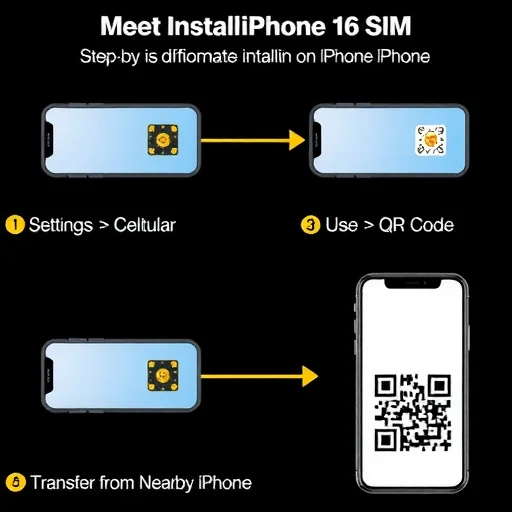
Let’s address some common questions about eSIM on the iPhone 16 Pro. First, can you use eSIM with a prepaid plan from your home carrier? Yes, most major carriers now support eSIM for prepaid as well as postpaid plans. Check with your carrier to see if you can convert your physical SIM to eSIM—many allow you to do this through their app. Second, what happens if you need to factory reset your phone? Your eSIM profiles are tied to your device. If you reset your phone, you’ll need to download your eSIM profiles again. Keep your activation QR codes or confirmation emails handy. Most carriers and eSIM providers allow you to re-download a profile from their app or website. Third, can you transfer eSIMs to a new iPhone? Yes, when you set up a new iPhone, you can transfer your eSIMs during the setup process. It’s usually seamless, though some carriers may require a quick verification.
One final consideration for travelers: if you’re buying an iPhone 16 Pro specifically for travel, make sure you get the unlocked version. Carrier-locked phones may restrict your ability to add eSIMs from other providers. If you buy directly from Apple, you can select the unlocked option. If you buy from a carrier, confirm that the phone is unlocked or will be unlocked after a certain period. For frequent travelers, an unlocked eSIM-only iPhone 16 Pro is the ultimate travel companion.
The transition to eSIM-only on US iPhones has been gradual, but with the iPhone 16 Pro, the ecosystem has matured to the point where eSIM is simply better for most travel scenarios. The ability to buy and activate a data plan from anywhere in the world in minutes, to keep your home number active while using local data, and to store multiple profiles for different destinations—all without ever handling a tiny physical card—changes how you approach travel connectivity. Once you’ve used eSIM on the 16 Pro for a trip, the old way of swapping SIM cards feels unnecessarily complicated. The US iPhone 16 Pro is eSIM-only, offering powerful travel connectivity features: support for two active eSIMs simultaneously, improved 5G modem for better speeds abroad, and seamless integration with global eSIM providers. Travelers can keep their home eSIM active for calls (with Wi-Fi calling) while using a local data eSIM, eliminating roaming fees and physical SIM swapping. Always buy unlocked for maximum flexibility when traveling.
I was skeptical about eSIM-only when I upgraded to the 16 Pro, but after a month in Southeast Asia I’m completely sold. Bought a regional eSIM before I left, landed in Bangkok and had data immediately. No SIM card hunting, no language barrier at mobile shops. It just works.
One tip: if you’re traveling to multiple countries, look for regional eSIMs rather than buying separate ones for each country. I used a Europe-wide eSIM that covered 30+ countries with one purchase. Saved so much hassle.
The 16 Pro’s 5G performance with eSIM is noticeably better than my old 14 Pro. Faster speeds, better signal in buildings, and battery life seems improved too. Worth the upgrade for frequent travelers alone.
Just be aware that some smaller carriers in certain countries still don’t support eSIM for prepaid. Do your research if you’re going somewhere off the beaten path. But for most tourist destinations, you’ll be fine.
The dual active eSIM feature is a game-changer. I keep my US number active for iMessage and calls over Wi-Fi, and use a local data eSIM for everything else. My phone bill for a month in Europe was $40 instead of $200. Never going back.