
If you’ve ever found yourself juggling two phones—one for work, one for personal use—or if you’ve ever traveled internationally and wished you could keep your home number active without paying outrageous roaming fees, then using two SIMs in one phone is about to change your life. Modern smartphones support dual SIM functionality, allowing you to have two active phone numbers on a single device. Whether it’s a physical SIM plus an eSIM, two physical SIMs, or two eSIMs, this setup gives you flexibility that was unimaginable just a few years ago. In this guide, I’ll walk you through exactly how to set it up, how to use it effectively, and the most practical reasons why you’ll love having two SIMs in one phone.
Let’s start with the basics. Dual SIM means your phone can hold and use two different SIM cards (or eSIM profiles) simultaneously. Each SIM has its own phone number, and your phone can receive calls and texts on both lines at the same time. You also choose which line you want to use for cellular data. The exact configuration depends on your phone. Some Android phones have two physical SIM slots. iPhones (since the XS) support one physical SIM plus one eSIM. US iPhones from the 14 onward support two eSIMs with no physical slot. Whatever your phone supports, the end result is the same: one phone, two numbers, seamless operation.
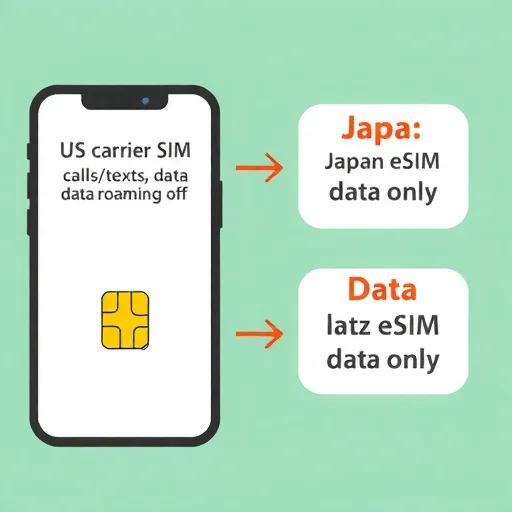
So why would you want two SIMs in one phone? Let me give you the three most common and powerful use cases. First: travel. When you go abroad, you can keep your home SIM active for calls and texts (with data roaming turned off) and add a local SIM or eSIM for data. You avoid roaming charges, keep your regular number accessible, and get affordable local data. Second: work-life separation. You can have a personal number and a work number on the same device, eliminating the need to carry two phones. You can even turn off the work line outside of business hours. Third: testing new carriers. If you’re thinking of switching providers, you can add a new SIM alongside your existing one, test the coverage and service in your area, and only port your number when you’re ready.
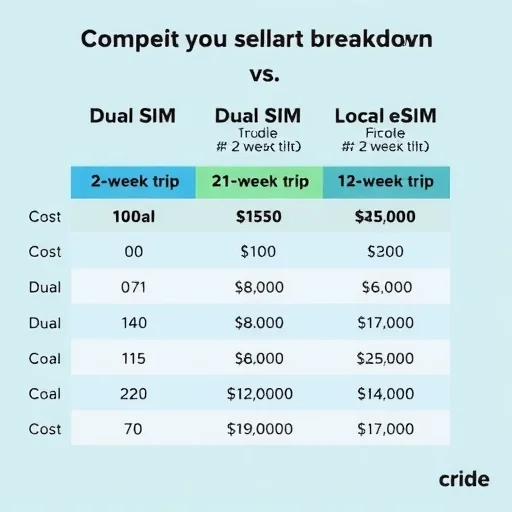
Let’s dive into the travel scenario first, because this is where dual SIM truly shines. Imagine you’re traveling from the US to Japan for two weeks. Your home carrier charges $10 per day for international roaming—that’s $140 for the trip. Instead, you keep your home SIM active for calls and texts, but you turn off data roaming. Then you buy a local eSIM from a Japanese provider or a global eSIM provider for $30 that gives you 10GB of data for the duration of your trip. On your phone, you set the Japanese eSIM as your cellular data line. During your trip, you use the Japanese eSIM for all your data needs—Google Maps, Instagram, WhatsApp, email, everything. Your home SIM remains active, so friends and family can still call and text your regular number. If your phone supports Wi-Fi calling, you can even answer those calls over Wi-Fi or over the Japanese eSIM’s data connection without paying roaming fees. Total connectivity cost: $30, not $140. And you never had to swap a SIM card or visit a store.
Now let’s look at the work-life separation scenario. Maria is a sales executive who used to carry two phones: one personal iPhone and one work Android. Her company recently started supporting eSIM, so she added her work number as an eSIM on her personal iPhone. Now she has one phone. In her settings, she labeled her personal line “Personal” and her work line “Work.” She set her personal line as the default for calls and texts, but when she needs to call a client, she can choose to call from her work line directly from the dialer. She set her work line to use her company’s voicemail system. And at 6 PM, she simply turns off the work eSIM in her settings, giving herself a clean break from work communications. No more carrying two devices, no more forgetting which phone is where.
The third scenario is carrier testing. David has been with the same carrier for years but has heard that a competitor has better coverage in his area. Instead of porting his number and hoping for the best, he buys a prepaid eSIM from the competitor for one month. He installs it alongside his existing physical SIM. For a month, he uses the new carrier for data while keeping his old number active for calls. He tests coverage at home, at work, and along his daily commute. When he’s satisfied that the new carrier works well, he ports his number. He never lost service on his primary number during the testing period, and he made an informed decision based on real-world usage.
Now let’s talk about how to actually set up dual SIM on your phone. The process varies slightly between iPhone and Android, but the principles are the same.
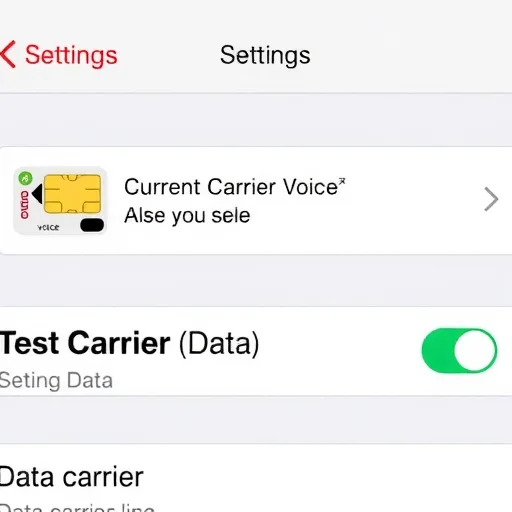
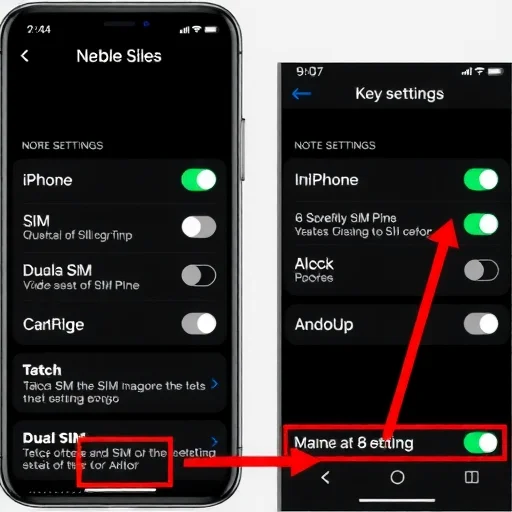
On iPhone, go to Settings > Cellular. If you have a physical SIM installed, you’ll see it listed. To add an eSIM, tap “Add eSIM.” You can scan a QR code provided by your carrier, use a carrier app, or transfer an eSIM from another iPhone. Once both lines are active, you’ll see them labeled. You can tap on each line to rename it—I recommend “Personal” and “Work” or “Home” and “Travel.” Under “Cellular Data,” choose which line you want to use for data. Under “Default Voice Line,” choose which line is used when you make calls unless you specify otherwise. Under “iMessage & FaceTime,” you can choose which number is associated with those services. That’s it. The phone handles the rest.
On Android, the process varies by manufacturer, but it’s usually under Settings > Connections > SIM Card Manager (on Samsung) or Settings > Network & Internet > SIMs (on Pixel). Here you’ll see both SIMs listed. You can assign which SIM is used for mobile data, which for calls, and which for SMS. You can also set a default SIM for outgoing calls or have the phone ask you each time. Many Android phones also let you assign specific SIMs to specific contacts, so calls to your boss always go out on your work line automatically.
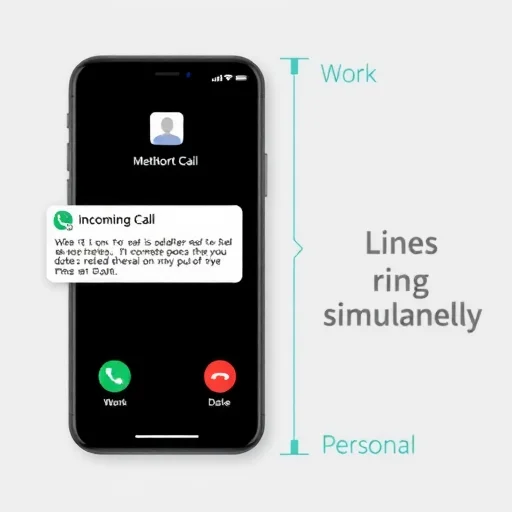
Let’s go through some practical tips to make dual SIM work smoothly for you. First, label your SIMs clearly. Instead of “Primary” and “Secondary,” use names that tell you what they’re for—”Personal,” “Work,” “Travel USA,” etc. This saves confusion when you’re choosing which line to call from. Second, understand how calls work. When someone calls you, both lines will ring if both are active. You’ll see which line the call is coming in on. When you make a call, you can choose which line to use before dialing. On iPhone, tap the current line at the top of the dialer to switch. On Android, you’ll usually see two call buttons, or you can set a default per contact. Third, be mindful of messaging. iMessage on iPhone can use either phone number or an email address. You can set which number is used for starting new conversations. WhatsApp, however, is tied to one phone number. If you need WhatsApp on both numbers, you’ll need to use a second app like WhatsApp Business for the second line.
One common question is about data usage and cost. When you set one line for data, only that line uses data. The other line uses only voice and SMS (and Wi-Fi if connected). This is crucial for travelers: if you set your home SIM as the voice line but turn off data roaming, it will not incur data charges. However, if you receive a picture message (MMS) on that line, that may use data—check with your carrier. Some carriers charge for receiving texts even when roaming; check your plan details.
Another question is about call waiting and dual active calls. If you’re on a call on one line and someone calls your other line, what happens? On most phones, the second call will go to voicemail unless you have call waiting enabled for that line and your carrier supports dual active calls. Some phones and carriers do support putting one call on hold and answering the other, but this isn’t universal. If this is important to you, check with your carrier.
Battery life is a consideration. Having two active SIMs does consume more battery than one, because your phone is maintaining connections to two different cellular networks. In practice, the difference is usually small—maybe 5 to 10 percent over a full day. However, if you’re in an area with poor signal, both radios will work harder to maintain connections, which can drain battery faster. If you’re concerned about battery while traveling, you can temporarily turn off one line in settings.
Let’s talk about compatibility. Most modern smartphones support dual SIM, but there are important variations. iPhones from the XS, XR, and newer support one physical SIM and one eSIM. US iPhones from the 14 onward support two eSIMs with no physical SIM slot. Samsung Galaxy phones typically support two physical SIMs, or one physical SIM and one eSIM depending on the model. Google Pixels support one physical SIM and one eSIM. Always check your specific model’s specifications if dual SIM is important to you. Also, note that some carrier-locked phones may restrict eSIM usage or dual SIM functionality. If you want full flexibility, an unlocked phone is your best bet.
Finally, let’s address cost. Having two SIMs doesn’t mean double the expense. Your primary line continues to cost what it always cost. The second line can be a low-cost prepaid plan, a travel eSIM that costs as little as $5 for a week, or a work line that your employer pays for. For travelers, the savings compared to roaming are dramatic. For professionals, eliminating a second device saves the cost of the phone itself, plus the convenience of carrying one device instead of two.
In summary, having two SIMs in one phone is a feature that once you start using, you’ll wonder how you lived without it. It gives you flexibility for travel, separation between work and personal life, the ability to test carriers risk-free, and the convenience of carrying one device instead of two. The setup is straightforward, the benefits are immediate, and the savings can be substantial. Whether you’re a frequent traveler, a busy professional, or just someone who likes options, dual SIM is one of the most underrated features on modern smartphones. Two SIMs in one phone lets you keep your home number active while using affordable local data abroad, separate work and personal lines on one device, or test new carriers risk-free. Setup involves either dual physical SIMs, physical SIM + eSIM, or dual eSIM depending on your phone. You can independently assign which line handles calls, texts, and data. Benefits include roaming savings, reduced device clutter, and flexible connectivity.
OnePhoneTwoNumbersFINISHED
Dual SIM saved me hundreds on my last trip to Europe. Kept my US number active for texts and calls over Wi-Fi, used a local eSIM for data. No roaming charges, and I never had to swap SIMs. So easy I’ll never travel any other way.
I tested a new carrier for a month using dual SIM before switching. Had my old number active for calls while using the new carrier for data. Found out coverage was actually worse at my office. Saved me from a costly mistake.
One thing to watch: if you use WhatsApp, it only works with one number. I use my personal number for WhatsApp and my work number for regular calls and texts. Works fine once you get used to it.
Battery life does take a small hit with two active SIMs, especially in areas with weak signal. I just carry a small power bank when I travel and it’s fine. Well worth the trade-off for the flexibility.
Work-life separation is real. I have my work number as an eSIM and I turn it off at 6 PM. No more work calls at dinner. My personal number stays on for family. Best decision I ever made.