
If you’ve ever wanted a second phone number—for work, for travel, for online privacy, or for any other reason—you’ve probably assumed you’d need a second physical SIM card or even a second phone. That used to be the case, but eSIM technology has changed everything. Now, you can add a second line and phone number to your existing device in minutes, without visiting a store, without waiting for a SIM card to arrive in the mail, and often for a fraction of what you’d pay for a traditional second line. In this guide, I’ll walk you through exactly how to get a second line using eSIM, what your options are, and how to choose the right solution for your needs.
First, let’s clarify what we mean by a second line. A second line is simply an additional phone number that operates alongside your primary number on the same device. With eSIM, you can add this second line as a digital profile on your phone. Most modern smartphones—iPhones from the XS onward, recent Google Pixels, and Samsung Galaxy flagships—support eSIM, allowing you to have multiple lines active simultaneously. You can make and receive calls and texts on either number, and you can choose which line to use for data. The second line can be a traditional carrier plan with a local number, a data-only eSIM for travel, or even a second number from a service designed specifically for privacy or business use.
So why would you want a second line? The use cases are numerous. For professionals, a second line lets you separate work and personal life on one device. You can have a work number that you turn off after hours, keeping your personal number for friends and family. For travelers, a second line lets you add a local eSIM with a local number or data plan while keeping your home number active. For online privacy, a second number can be used for signing up for services, online marketplaces, or dating apps without giving out your primary number. For anyone who wants to test a new carrier, a second line lets you try before you switch. And for those who simply want an extra number for a side business, a rental property, or any other reason, eSIM makes it easy and affordable.
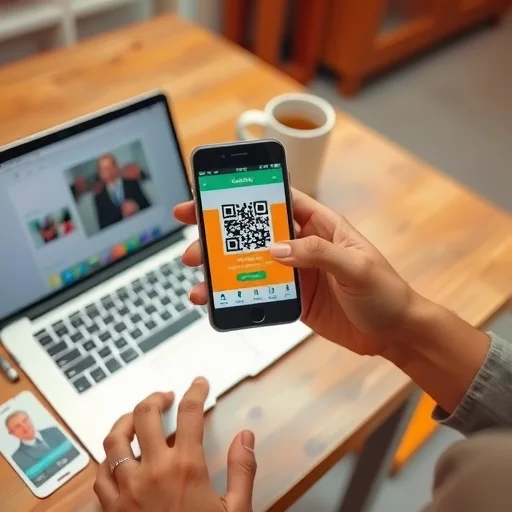
Let’s start with the most popular use case: adding a work line to your personal phone. Many employers now offer eSIM support, allowing you to add your work number as an eSIM on your personal device. The process is usually simple: your employer provides a QR code or sends you an invitation through their carrier app. You scan the code, and within minutes, you have a second line active. You can label it “Work” in your settings. You can set it to use your company’s voicemail system. You can even schedule it to turn off automatically outside of business hours, giving you a clean separation between work and personal time. All without carrying a second phone.
If your employer doesn’t provide a work line, or if you’re self-employed, you can still add a second line for business purposes using a consumer eSIM service. Companies like T-Mobile, Verizon, and AT&T in the US offer prepaid eSIM plans that you can activate entirely online. You choose a plan, provide your information, and they send you a QR code or push the eSIM directly to your phone via their app. You end up with a second phone number on your device, with its own data allowance, and you pay a separate bill for that line. This is ideal for freelancers, small business owners, or anyone who wants to keep business calls separate from personal ones.
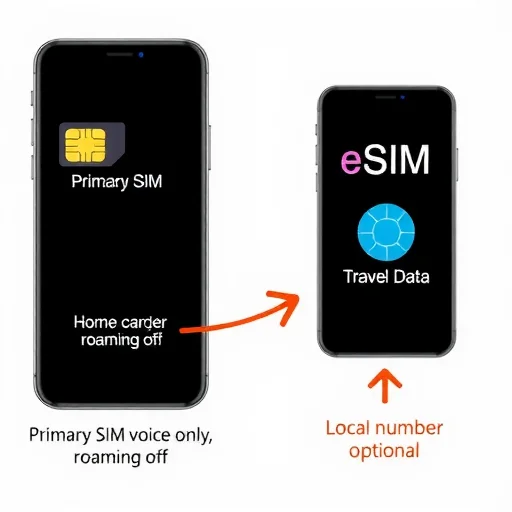
Now let’s talk about travel. This is where eSIM for a second line really shines. When you travel internationally, you can add a second line in the form of a local eSIM from a carrier in your destination country, or a regional eSIM from a global provider like Airalo or Holafly. This second line gives you a local phone number (if you choose a local carrier) or simply data access (if you choose a data-only provider). You keep your primary line active for calls and texts (with data roaming turned off to avoid charges), and you use the second line for all your data needs—maps, apps, messaging, everything. You can even set your primary line to use Wi-Fi calling over the second line’s data connection, meaning you can answer calls to your home number without roaming fees. Total cost for a second line for a two-week trip: often $20 to $40, compared to $10 per day for roaming.
Another powerful option for a second line is using a service specifically designed for privacy or secondary numbers. Apps like Google Voice (in the US), Hushed, and Burner give you a second phone number that operates over data—they’re essentially VoIP (Voice over IP) services. You install the app, choose a number, and you can make and receive calls and texts through the app using your existing data connection or Wi-Fi. These services don’t require a separate eSIM or physical SIM; they work entirely through an app. The advantage is that they’re often very cheap—sometimes free for basic use—and you can get a number with any area code you want. The trade-off is that calls and texts go through the app, not your phone’s native dialer, and they may not work for two-factor authentication from some banks or services that require a “real” mobile number. Still, for many secondary number needs, this is an excellent option.
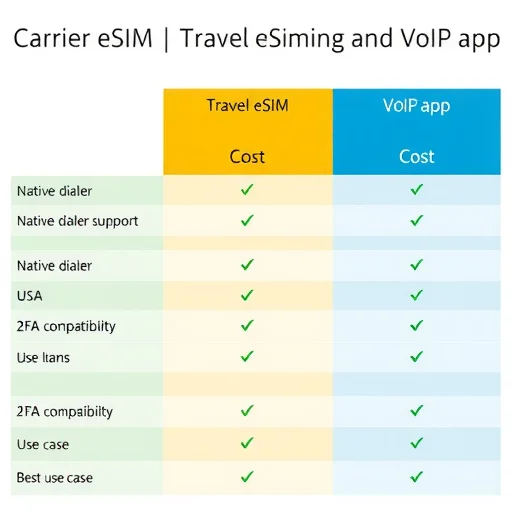
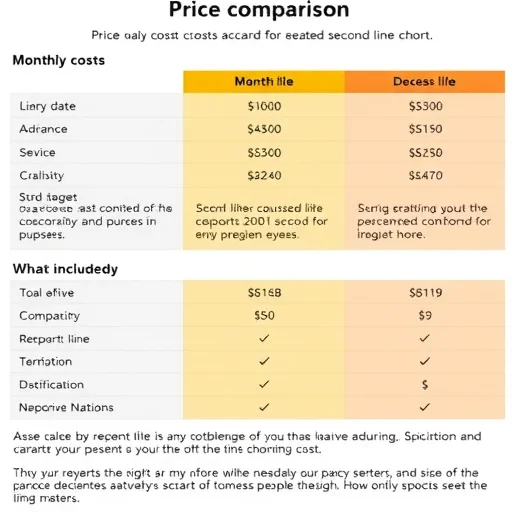
Let’s compare the different ways to get a second line. A traditional carrier eSIM gives you a “real” mobile number that works with all services, uses your phone’s native dialer and messaging apps, and includes cellular data. It’s the most seamless experience, but it costs more—usually $15 to $50 per month for a prepaid plan, depending on data allowance. A travel eSIM gives you a second line that’s focused on data; you may or may not get a local phone number. These are ideal for short-term travel but less suited for ongoing second line needs. A VoIP app gives you a second number at very low cost (sometimes free), but it operates through an app, which can be less convenient, and some services won’t accept VoIP numbers for verification.
Now let’s walk through how to actually set up a second line using eSIM. The exact steps depend on your phone and the provider, but the general process is similar across devices.
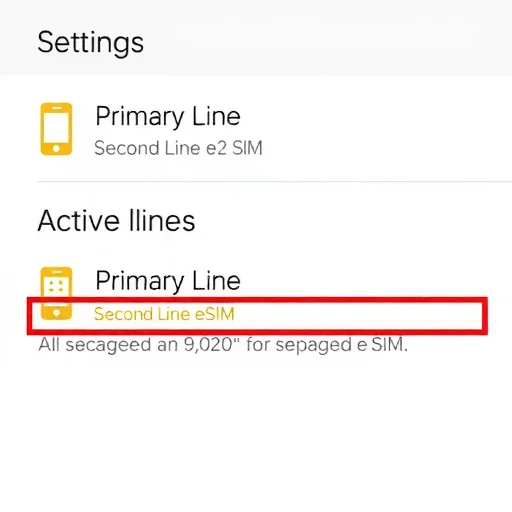
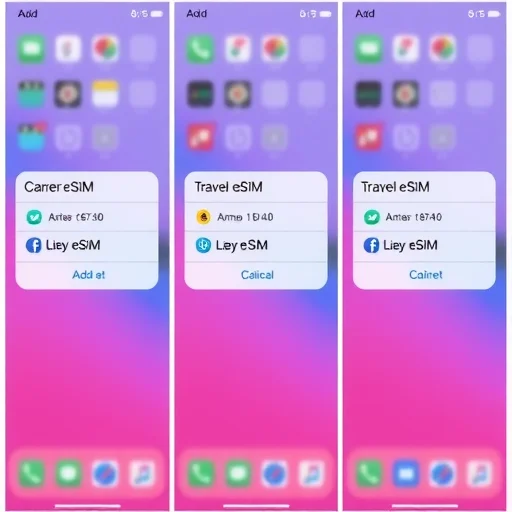
If you’re adding a second line from a traditional carrier (like adding a prepaid line from T-Mobile or Verizon), you’ll typically use the carrier’s app. Download the app, sign up for a prepaid plan, and during the activation process, you’ll be given the option to install an eSIM. The app will push the eSIM profile to your phone. Follow the prompts, and within minutes, the second line will appear in your settings. You can then label it (for example, “Work” or “Travel”) and configure which line is used for data, calls, and texts.
If you’re adding a travel eSIM from a global provider, you’ll usually use their app. Download the app (Airalo, Holafly, etc.), select a plan for your destination, purchase it, and the app will guide you through installing the eSIM. You’ll typically scan a QR code or use a direct installation link. Once installed, you’ll have a second line active, usually data-only. You can then set that line as your data line in your phone’s settings while keeping your primary line for calls and texts.
If you’re using a VoIP app for a second number, you don’t need eSIM at all. Simply download the app (Google Voice, Hushed, etc.), sign up, choose a number, and start using it. Calls and texts will go through the app, using your existing data connection or Wi-Fi. This second number is tied to the app, not to a SIM, so you can use it alongside your primary line without any additional setup in your phone’s cellular settings.
Let’s address some practical considerations for using a second line. First, labeling is important. On both iPhone and Android, you can rename your lines to something meaningful—”Personal,” “Work,” “Travel,” etc. This helps you avoid confusion when making calls or choosing which line to use for data. Second, understand how calls and texts work. When you make a call, you can choose which line to use. On iPhone, tap the current line at the top of the dialer to switch. On Android, you’ll usually see two call buttons or you can set a default per contact. When you receive a call, you’ll see which line is ringing. Text messages work similarly—you’ll see which line a message came in on, and you can choose which line to send from.
Third, be aware of how your primary line behaves when you add a second line. If you’re traveling and using a second line for data, make sure data roaming is turned off on your primary line to avoid accidental charges. You can usually keep your primary line active for calls and texts without incurring roaming fees, but check with your carrier—some charge for receiving texts while roaming. Fourth, consider two-factor authentication. If you’re using a VoIP app for your second line, some banks and services may not send verification codes to VoIP numbers. For critical accounts, use your primary number or a traditional carrier eSIM for the second line.
One common question is about cost. A second line from a traditional carrier typically costs $15 to $50 per month for prepaid service. A travel eSIM costs $5 to $50 depending on data and duration, with no ongoing monthly cost. A VoIP app can be free (Google Voice) or cost a few dollars per month for premium features. The right choice depends on how you’ll use the second line and for how long.
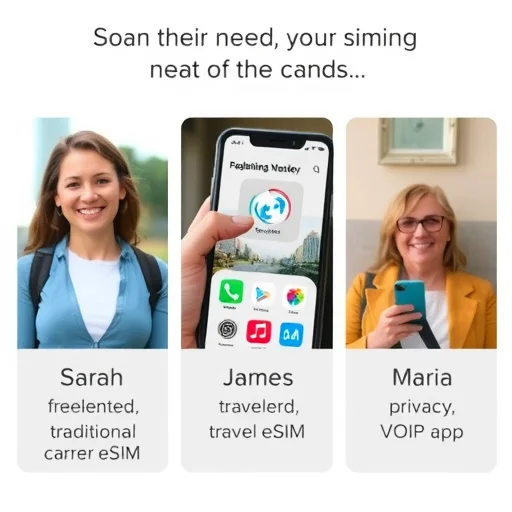
Let’s look at a few real-world examples to tie this together. Sarah is a freelance graphic designer who wants to separate client calls from personal ones. She adds a prepaid eSIM from T-Mobile as her second line. She labels it “Work” and uses it for all client communication. At the end of the workday, she turns off the work eSIM in her settings, giving herself a clean break. Her personal number remains active for friends and family. Total cost: $25 per month.
James is traveling to Europe for three weeks. He keeps his primary AT&T line active for calls and texts (with data roaming off) and adds a 20GB Europe eSIM from Airalo as his second line. He sets the Airalo eSIM as his data line. During his trip, he uses the second line for maps, apps, and messaging, while still receiving calls and texts on his regular number over Wi-Fi calling. Total cost for the second line: $42, saving hundreds compared to roaming.
Maria needs a second number for signing up for online services and selling items on marketplace apps, but she doesn’t want to pay monthly for a traditional second line. She downloads Google Voice, gets a free number with her local area code, and uses it for all those purposes. The number works through the app, and she can give it out freely without worrying about spam calls reaching her primary number. Total cost: free.
In summary, getting a second line and phone number has never been easier or more affordable. eSIM technology lets you add a second line to your existing phone in minutes, without visiting a store or carrying a second device. Whether you need a work line, a travel line, a privacy number, or just an extra number for any reason, there’s an option that fits your needs and budget. From traditional carrier eSIMs with full service to travel eSIMs for short-term data to free VoIP apps for basic second numbers, the flexibility is remarkable. Once you add a second line, you’ll wonder how you ever managed with just one. A second line and phone number can be added to your existing device using eSIM or VoIP apps. Traditional carrier eSIMs provide full service with a real mobile number for $15–$50/month. Travel eSIMs offer short-term data and local numbers for $5–$50 per trip. VoIP apps like Google Voice provide free or low-cost second numbers that work over data. Choose based on whether you need a permanent second line, travel connectivity, or a privacy number.
eSIMNumberFINISHED
I added a work eSIM to my personal phone and it’s been perfect. Work calls go to voicemail after 6 PM, and I don’t have to carry two phones anymore. My employer paid for the second line, so it cost me nothing. Highly recommend.
Travel eSIM as a second line saved me so much money on my last trip. Kept my US number for iMessage and calls over Wi-Fi, used the eSIM for data. Three weeks in Europe, total connectivity cost $35. Unbelievable.
I use Google Voice as my second line for anything that might generate spam—online shopping, marketplace sales, etc. Keeps my primary number clean. Free and works great for that purpose.
One thing to note: if you need a second line for two-factor authentication with banks, a VoIP app might not work. I learned that the hard way. For important accounts, use a real carrier eSIM for the second line.
I switched to a prepaid eSIM as my second line when I started freelancing. Now I have a dedicated business number, and I can write off the cost. Best $25/month I spend for my business.